Synchronizing KOBO and TIMS
On TIMS project, we've implemented an automatic synchronization feature between Kobo and TIMS platforms. This seamless synchronization process facilitates data transfer. However, before this automatic sync can occur, users need to share Kobo project with TIMS user . Subsequently, TIMS admin will review and approve these surveys. Once approved, the Tim app will synchronize all data from Kobo to TIMS every midnight.
Share KOBO Project with TIMS User
• Select Survey: Open your Kobo and select the survey that you want to sync to TIMS.
• Change the file name to label it with your operation and site: “Survey name_year_country name_site name” (e.g., “SSAT Shelter 2024 Kenya Kakuma” or “SSAT Settlement 2024 Bangladesh CXB”).
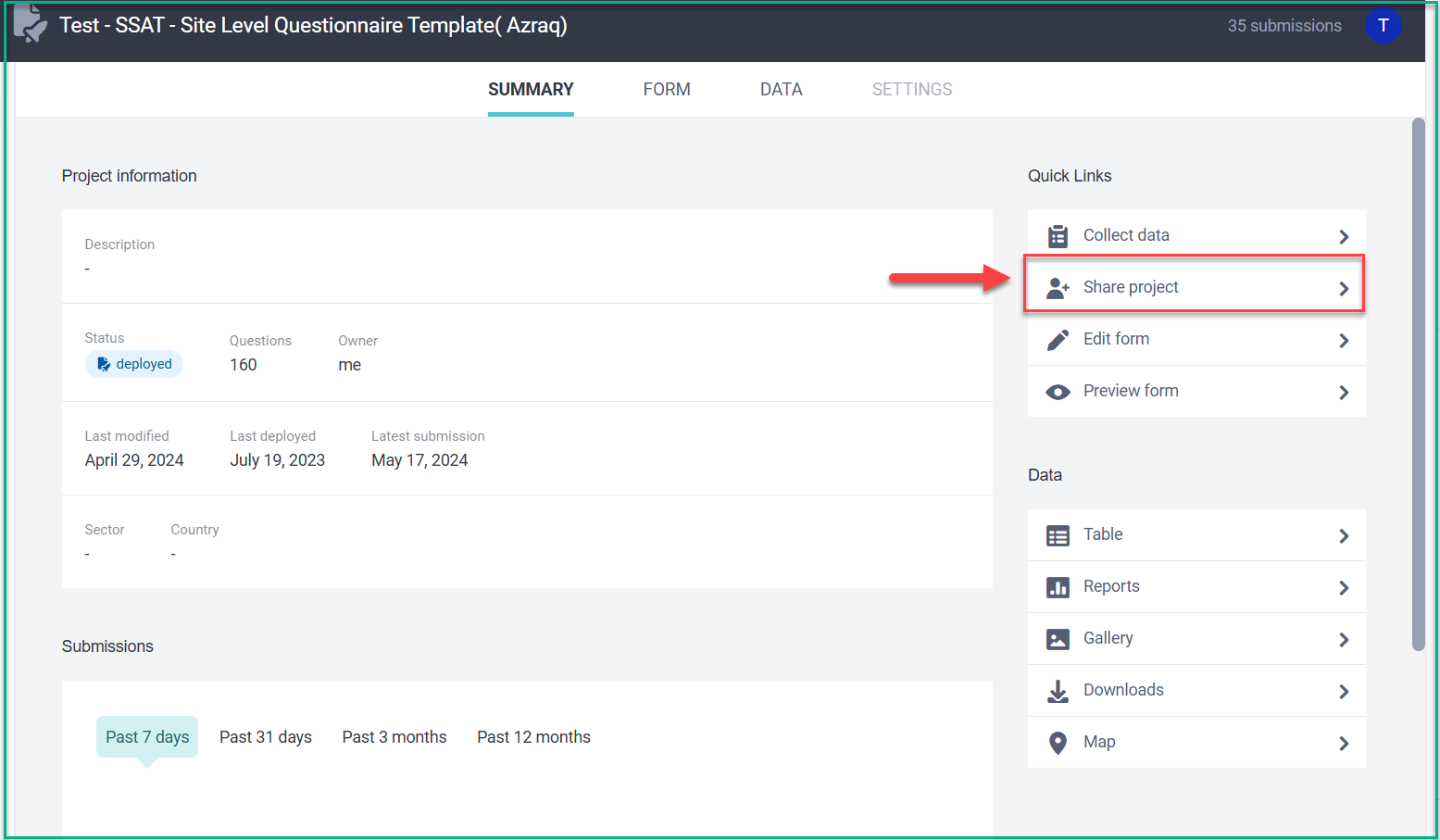
• Click on the ‘Share project’ option .
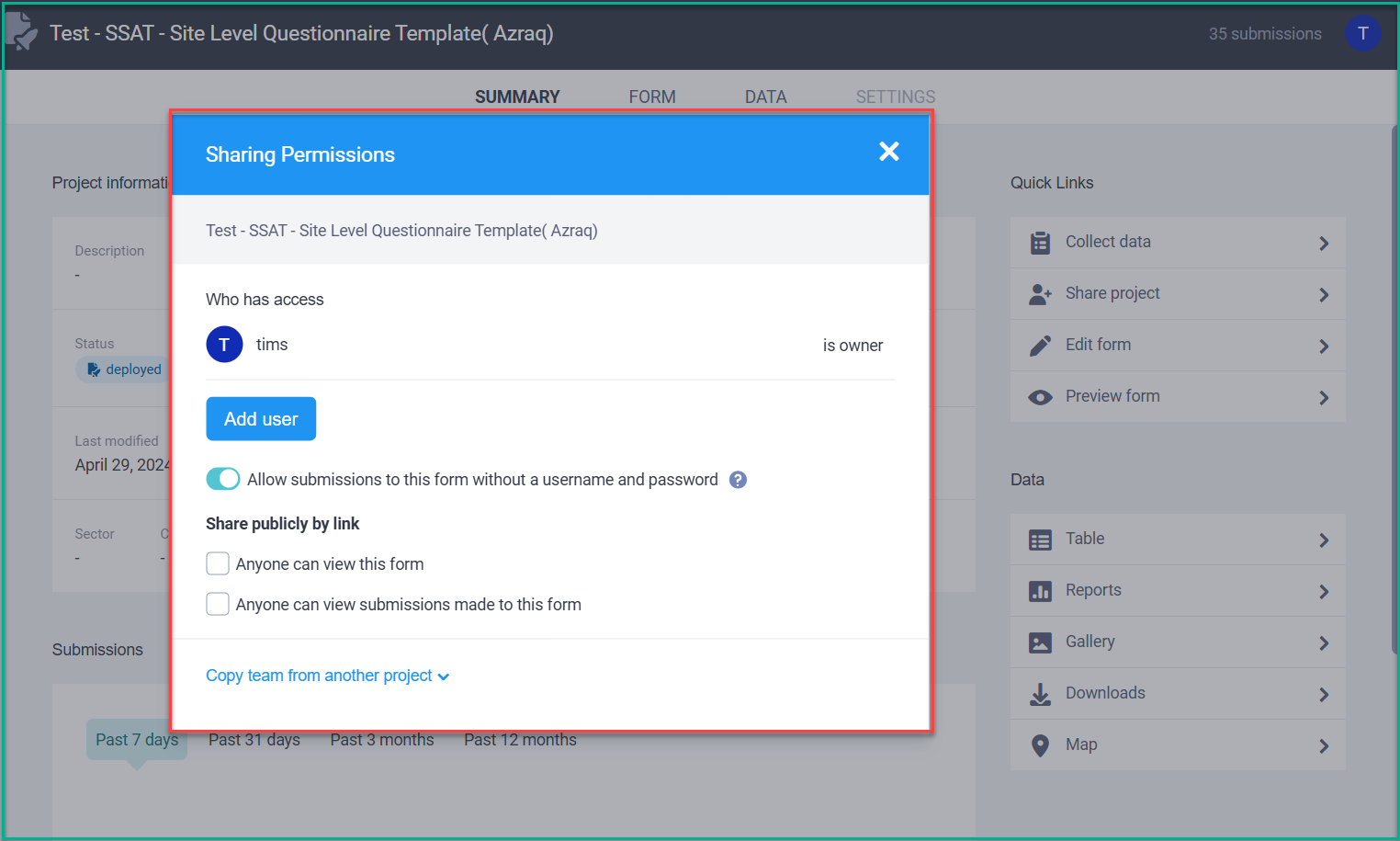
• A 'Share Permissions' dialog will appear. In this dialog, you can add users and set permissions.
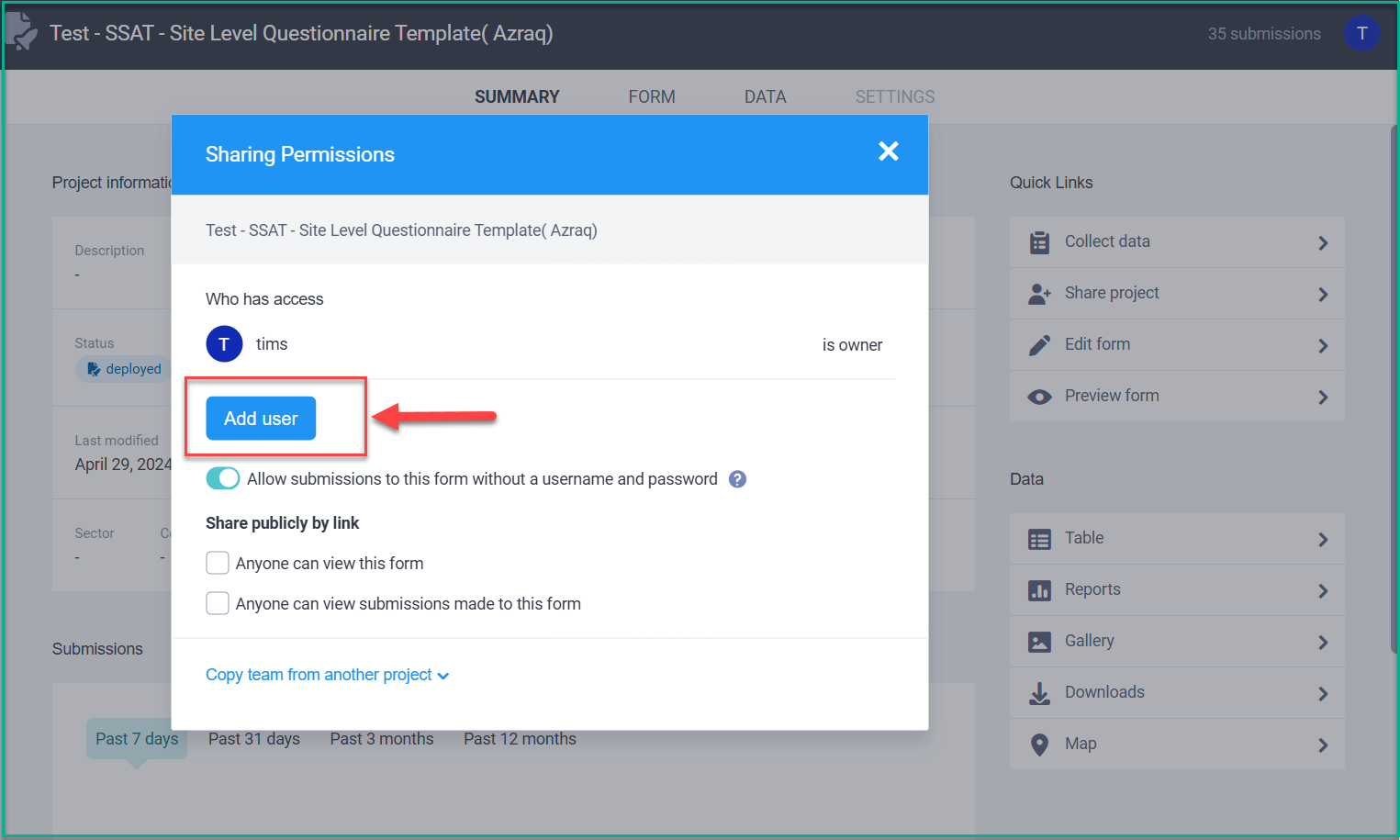
• Click on the ‘Add user’ button.
• Enter ‘tims’ in the text box . The system will display a list of permissions with checkboxes. tick boxes as below .
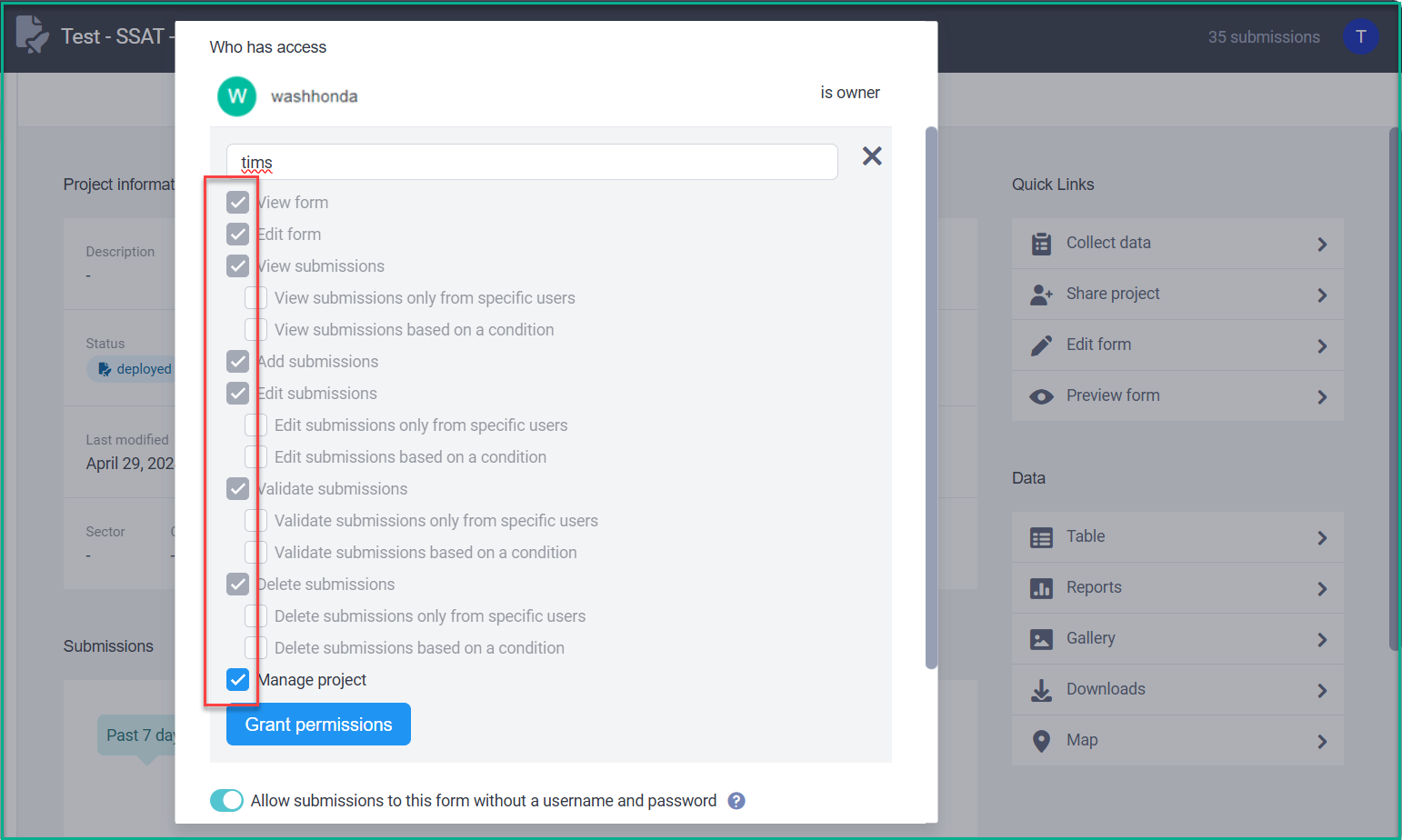
• Click the ‘Grant permissions’ button.
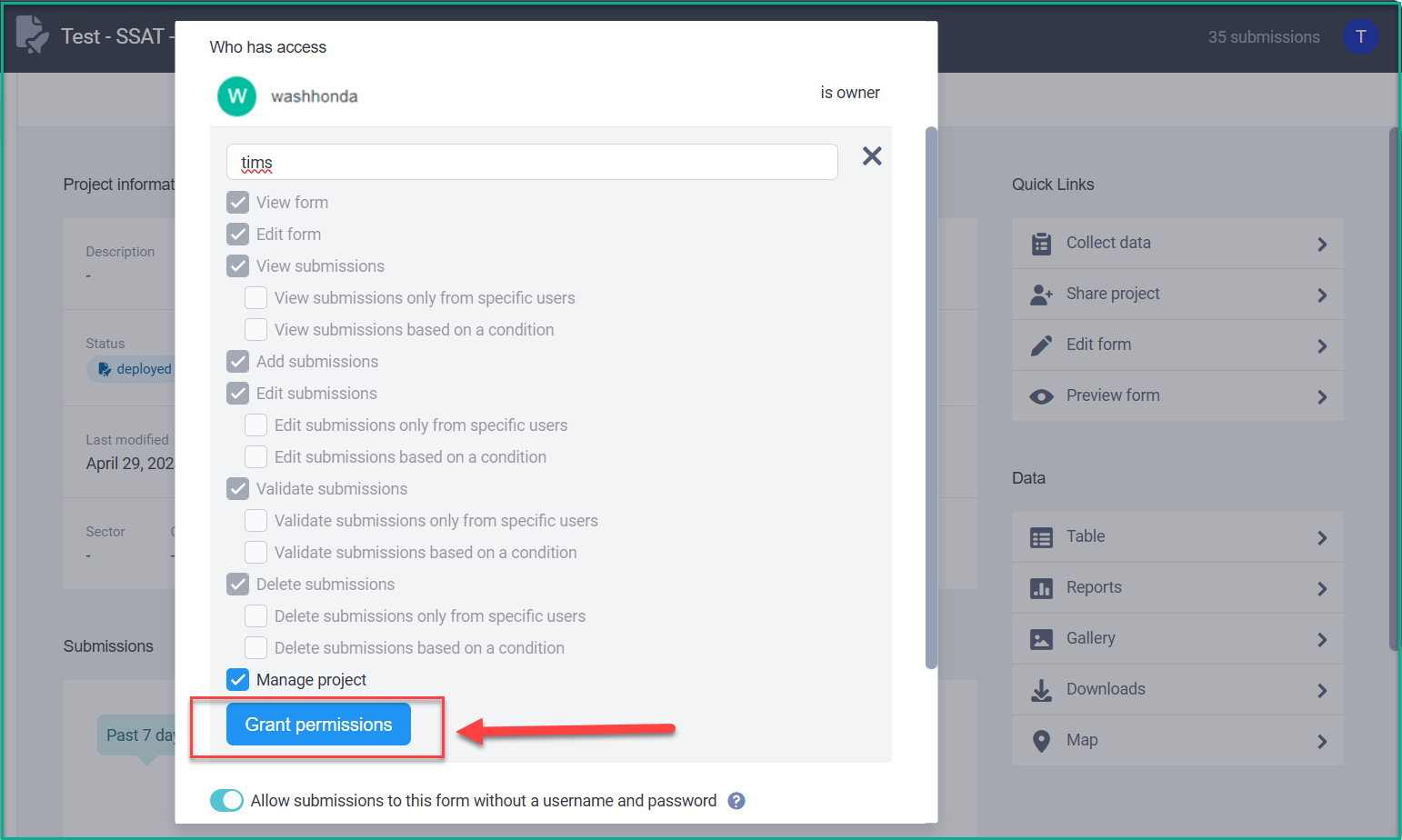
• Once you complete the previous steps, please send an email to UNHCR TIMS global admin so they can check, review, and approve the sync in TIMS.
UNHCR Global Admin Actions
• Log in to the TIMS application.
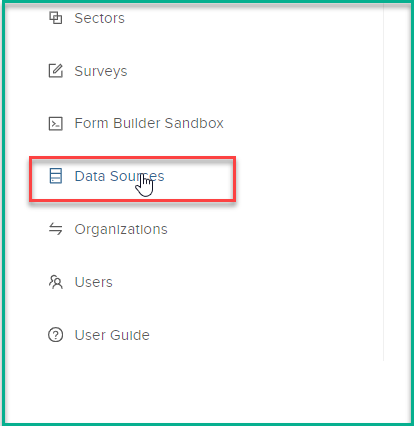
• Navigate to the left-side menu
• Go to 'Data Sources.'
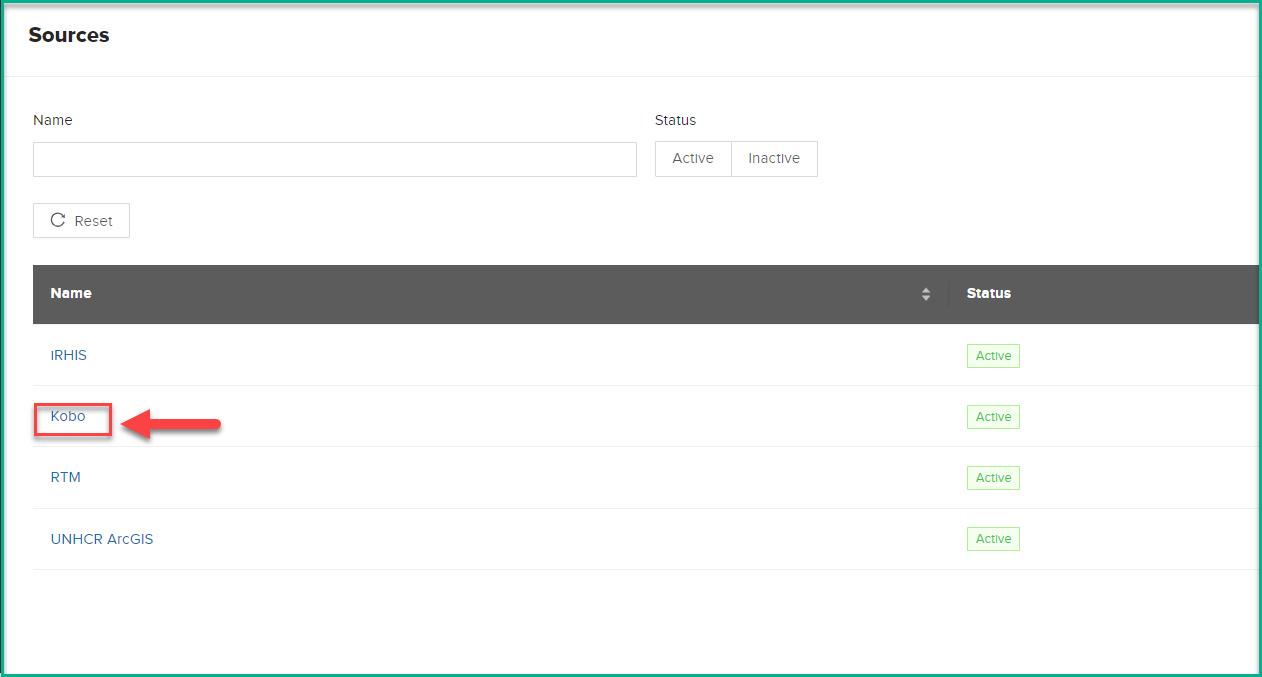
• Click on the 'Kobo' Data Source.
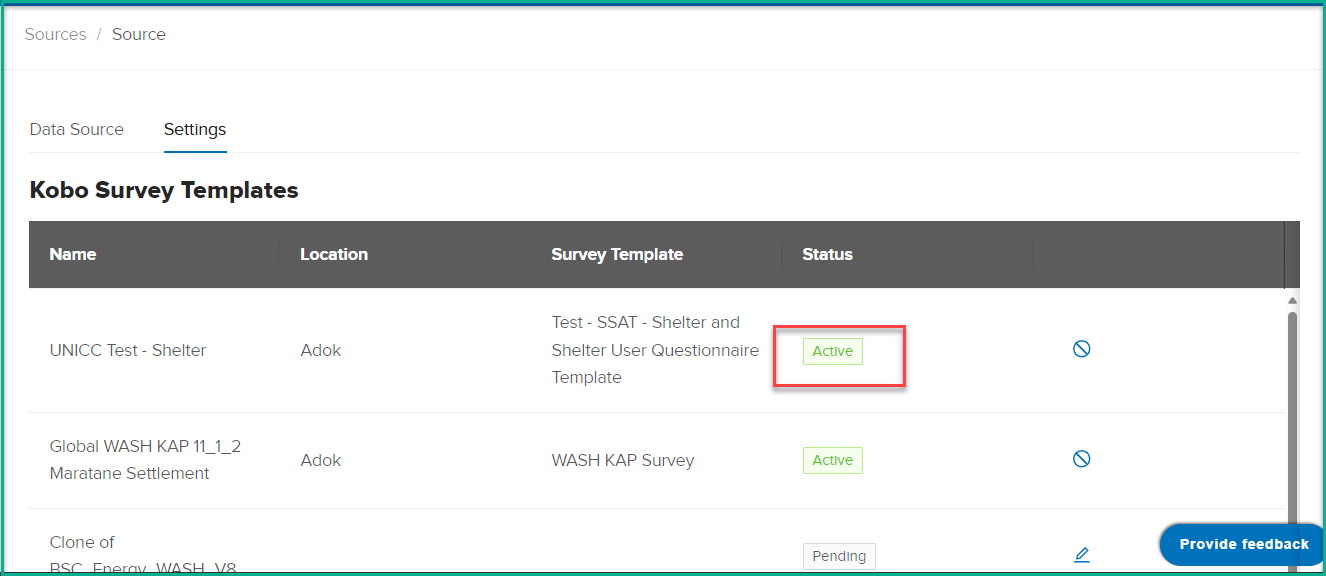
• Open the 'Settings' tab, On the 'Settings' tab, you'll find a list of surveys with a 'Pending' status.
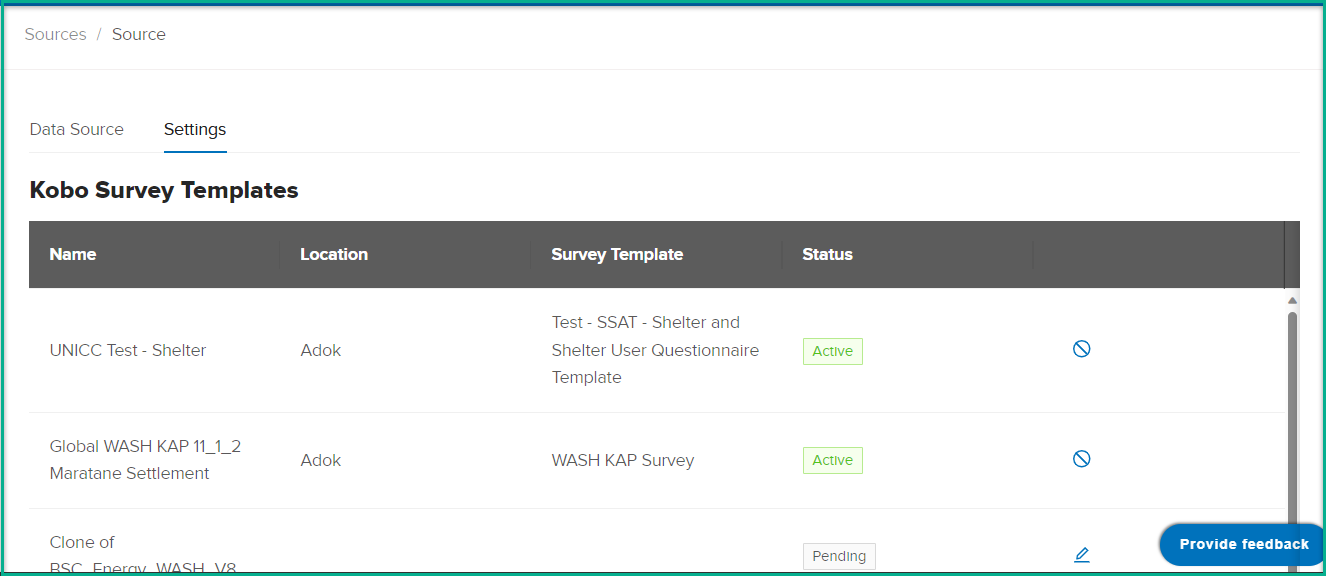
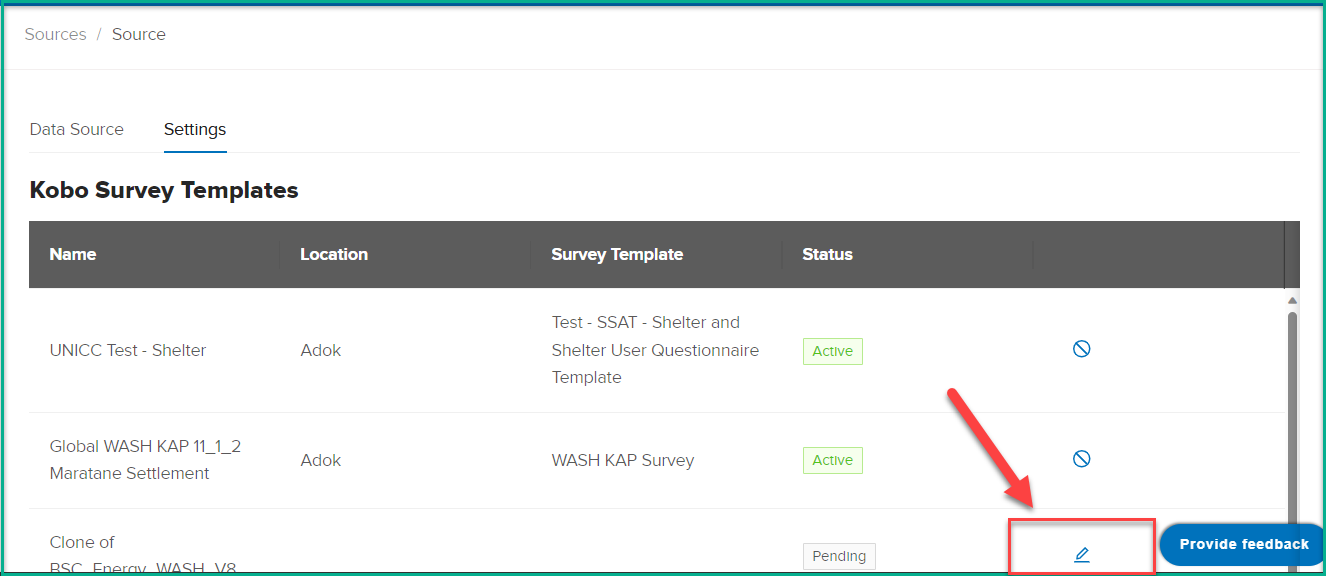
• Click on the 'Edit' button for the desired survey
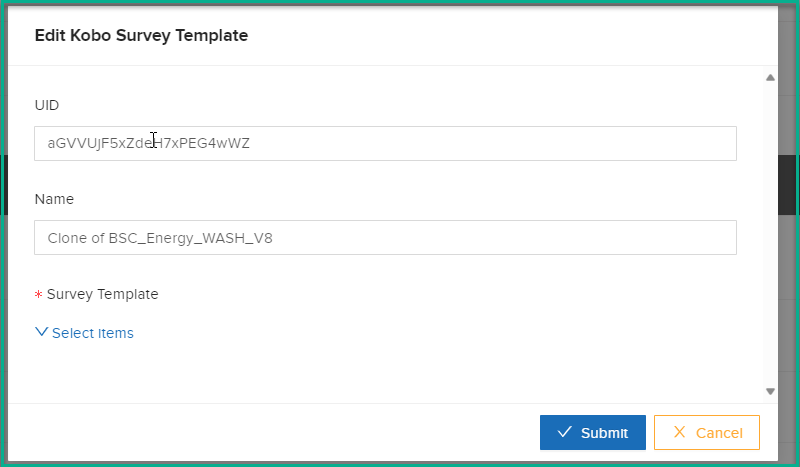
• The system opens the 'Edit Kobo Survey Template' dialog, displaying the UID and survey name as read-only fields.
• Mandatory Mapping: Choose the survey template you want to map (e.g., WASH KAP survey).
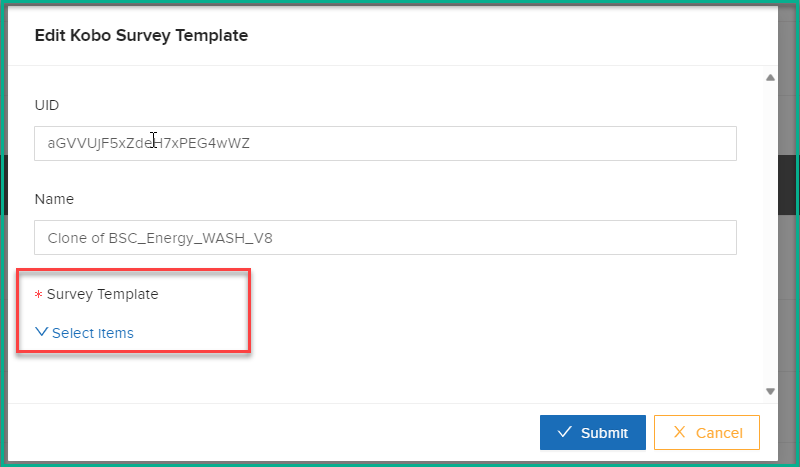
• Select Location: A new list appears; select the location for mapping.
• Click 'Save.'
After saving, the status changes to 'Active,' indicating that the system will trigger this survey during the automatic midnight sync for the selected location.